
In a nutshell: Integrating LinkedIn Ads with your CRM sends Lead Gen Form leads straight into your sales funnel in real time and closes the attribution loop between campaigns and revenue. HubSpot and Salesforce have native integrations (Salesforce with more steps); Pipedrive and RD Station rely on automations like Zapier, Make or n8n. LinkedScope connects LinkedIn Ads to any CRM in one place.
Every company running LinkedIn Ads has probably hit this problem: the ad converts, the form gets filled out and the lead… just vanishes. It’s stuck in a CSV that someone downloads by hand on Fridays, if they remember.
A LinkedIn Ads CRM integration fixes exactly that: it connects your ads’ conversion data straight to your sales funnel, in real time, with no human in the middle hoping they don’t forget to export the spreadsheet.
In this article, you’ll see why this connection matters, how to set it up in the main CRMs (HubSpot, Salesforce, Pipedrive and RD Station) and why, in practice, there’s a way to stop struggling with a different integration for every tool.
Why does connecting LinkedIn Ads to your CRM matter?
Because a lead without follow-up is money down the drain. Simple as that.
LinkedIn Ads is especially good at generating qualified B2B leads. Job title, company, seniority: it all comes with the Lead Gen Form. The problem is that all that rich data is useless if it stays locked inside Campaign Manager, admired only by whoever has access to the ad account.
When you integrate properly:
- Leads land in your CRM automatically, no manual imports.
- Your sales team can react in minutes, and speed to lead has always been one of the biggest drivers of conversion rate.
- You close the attribution loop: you can see exactly which campaign, ad and creative generated which opportunity and how much revenue.
- “I didn’t see the lead” stops being an excuse in the sales meeting.
In other words: without integration, LinkedIn Ads is a spreadsheet machine. With integration, it becomes part of your pipeline.
How to connect LinkedIn Ads to each CRM
Each platform has its own process and its own permission rules for connecting to LinkedIn Ads. Let’s take it one at a time.
How to connect LinkedIn Ads to HubSpot
HubSpot has a fairly straightforward native integration, as long as you meet a few permission requirements.
Before you start, double-check two things: the HubSpot user connecting the account needs Publish access in the ads tool, and they need to be an Account Manager on the LinkedIn ad account (check this in Campaign Manager > Account settings > Manage access).
Step by step:
- In HubSpot, click the settings icon and go to Marketing > Ads.
- Click Connect account in the top right.
- Select LinkedIn, log in and approve the requested permissions.
- Choose the LinkedIn ad accounts you want to connect. Keep auto-tracking on if you want to track contacts who interact with your ads.
- Also select the accounts you want to sync Lead Gen Form leads from.
- Save.
From then on, HubSpot shows your campaigns, syncs leads and enables tracking. But keep an eye out: if the app’s permissions change on the LinkedIn side later, syncing can just stop, silently, without telling anyone. Worth checking periodically.
How to connect LinkedIn Ads to Salesforce
Salesforce has a native integration through LinkedIn Lead Gen, but the process is more bureaucratic (which makes sense; we’re talking about Salesforce).
- On the Lead Settings page, turn on the option to use LinkedIn’s lead sync APIs with forms.
- In Setup, search for “LinkedIn Lead Gen” and click “LinkedIn Accounts” to connect the ad account to your org.
- Set the defaults: default lead creator (needs the Modify All Data, Send Email and Access Activities permissions), record type and lead source.
- Map the fields: form data, lead fields, LinkedIn custom questions (up to three per form) and consent fields.
- Map hidden fields too, keeping in mind Salesforce sorts them alphabetically before saving, so the order of your mapping matters.
Leads submitted on LinkedIn before you connected the account don’t sync retroactively. If you took a while to set this up, you’ll have to import what you missed by hand.
How to connect LinkedIn Ads to Pipedrive
Pipedrive doesn’t have a native LinkedIn Ads integration. The standard route is an automation that captures leads from the LinkedIn form and automatically creates deals or people in Pipedrive (with Zapier, Make, n8n or a webhook, for example).
How to connect LinkedIn Ads to RD Station
RD Station, very popular in Latin America, doesn’t have a native, official LinkedIn Ads integration as deep as the ones it has with Meta and Google Ads. The most common route is feeding LinkedIn Lead Gen Forms into RD through automations (Zapier, Make, n8n or a webhook).
The other option is sending your LinkedIn ads to RD’s own landing pages and forms. It works, but it adds an extra layer of friction to lead conversion.
The real problem: every CRM needs a different process
Notice the pattern? HubSpot has a decent native path. Salesforce has a native path, but with lots of steps. Pipedrive and RD Station rely on outside automations. And that’s just four tools. If your agency or company deals with more than one CRM (which is the rule, not the exception, if you work with multiple clients or business units), you’re multiplying that work by N.
Is there a way to simplify this?
Yes. That’s where LinkedScope comes in: instead of learning and maintaining each CRM’s specific integration process (with its quirks, side automations and silent failure points), LinkedScope connects LinkedIn Ads to any CRM, bringing the whole flow into one place.
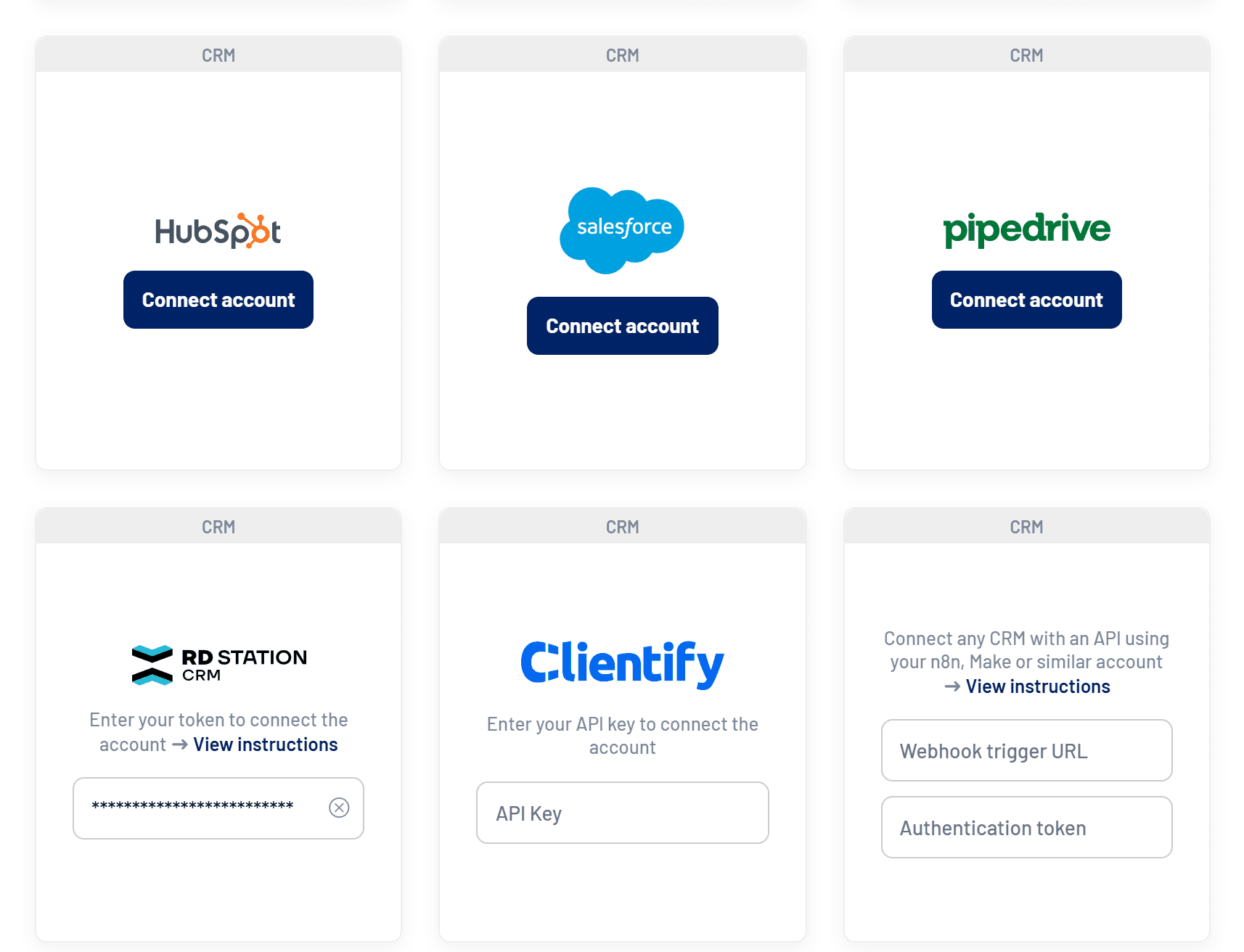
It doesn’t matter if your CRM is HubSpot, Salesforce, Pipedrive, RD Station, Clientify or anything else: the data leaves LinkedIn Ads and gets where it needs to go. (Step-by-step guides for each one are in our help center.)
If you manage LinkedIn Ads campaigns for multiple clients with different CRMs, that centralization is a must.
Wrapping up
The good news is that connecting LinkedIn Ads to your CRM is no longer an unsolvable problem. Each platform has its own path (more direct in HubSpot, more structured in Salesforce, automation-dependent in Pipedrive and RD Station), but in every case the result is worth it: leads arriving hot, in real time, straight to the people who’ll close the deal. It’s the difference between hoping someone downloads a spreadsheet and having a funnel that actually works for you.
And if your operation juggles CRMs, it gets even better: with LinkedScope you set up the integration once and it works for any CRM you need. Less duct-taped automation, more time for what really matters: turning leads into revenue.
Frequently asked questions
Why integrate LinkedIn Ads with your CRM?
So leads hit your funnel in real time, sales can respond in minutes and you know which campaign generated each opportunity and dollar of revenue.
Does HubSpot have a native LinkedIn Ads integration?
Yes. Under Settings > Marketing > Ads you connect your LinkedIn account and sync Lead Gen Form leads, as long as you have the right permissions.
How do I connect LinkedIn Ads to Pipedrive?
Pipedrive has no full native integration. The usual route is an automation (Zapier, Make, n8n or a webhook) or a platform like LinkedScope.
Do older leads sync to Salesforce?
No. Leads submitted before you connect the account don’t sync retroactively and have to be imported manually.