
In a nutshell: LinkedIn Ads has 9 main formats: single image, video, carousel, event, Text and Spotlight Ads, message, conversation, document and Thought Leader Ads. The secret is matching format to funnel stage: video, image and Thought Leader Ads at the top; carousels, documents and events in the middle; messages, conversations and Text/Spotlight retargeting at the bottom, measuring each one with the right metrics.
LinkedIn Ads has a reputation for being expensive. And it is. But most companies don’t lose money because of CPM. They lose it because they pick the wrong ad format for the wrong goal and then spend months optimizing a campaign that was broken from the start.
Unlike Meta, where you show an image to anyone with an interest in “technology”, on LinkedIn you can reach exactly the CFO of a 500-person logistics company. That changes everything. And above all, it changes how you need to think about format.
In this article, you’ll learn the main LinkedIn ad formats, when to use each one and which ones actually tend to work in B2B.
What are LinkedIn ad formats?
They’re the types of sponsored content you can run on the platform to reach professional audiences. Each format has its own display logic, recommended objective and way of interacting with people.
Most companies treat every format as interchangeable. They’re not. Using a carousel on a cold audience that’s never heard of you is like trying to close a deal at “hello”.
Picking the right format is at least as important as defining your audience or budget.
The main LinkedIn ad formats
1. Single Image Ad
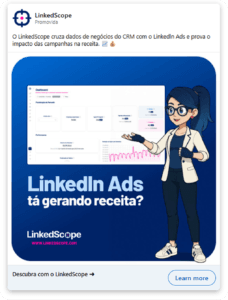
The most common format. It shows up right in the feed (desktop and mobile) and can run from company pages or from executives’ personal profiles when boosted through LinkedIn Ads.
When to use it:
- Distribute content and extend the reach of your posts
- Brand awareness campaigns
- Drive qualified traffic to your site
- Boost executives’ posts as company spokespeople
It’s the easiest format to produce, and also the easiest to get wrong. A generic image with opinion-free copy will get lost in the feed like any other corporate post. If you use it, use it with creative that provokes, has a point of view and makes people stop scrolling.
2. Video Ad
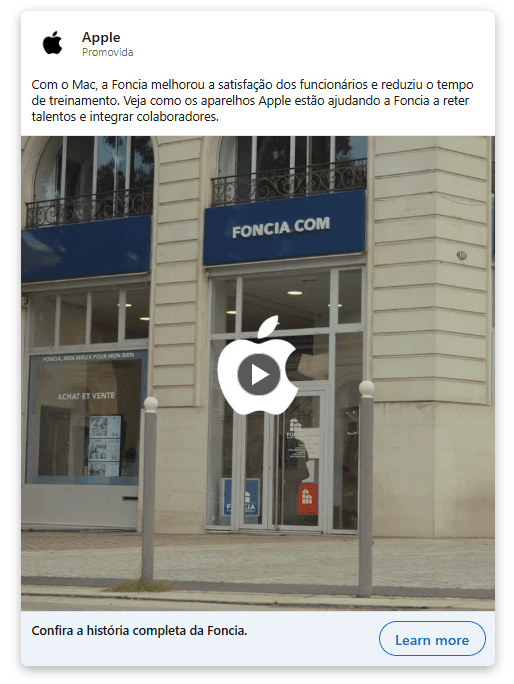
Lets you get more complex messages across in a dynamic way. In B2B, short videos with real spokespeople (executives, experts, founders) usually work way better than stock-footage productions.
When to use it:
- Explaining a product or service
- Educational and thought leadership content
- Awareness campaigns focused on message retention
Why it works for B2B: videos of real people convey authority without feeling like an ad. When the spokesperson is known in the market, view and engagement rates go up a lot. A homemade video with good lighting is already a great starting point.
3. Carousel Ad
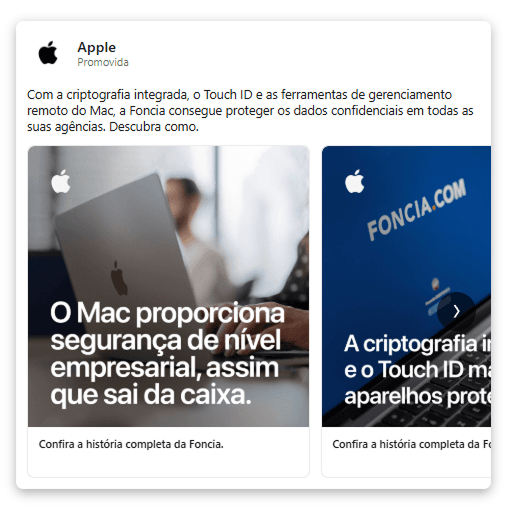
Multiple swipeable cards in a single ad. Each card can have its own image, headline and link, creating a narrative experience that goes way beyond what fits in a single image.
When to use it:
- Breaking down product or service features
- Explaining complex concepts step by step
- Showing different use cases
- List-style content with real depth
Carousels are especially effective for B2B sales with long cycles, high tickets and ABM strategies. They let you walk the lead through a journey before asking for anything, which makes all the difference when you’re selling to a buying committee, not an individual impulse.
That said: a carousel full of generic slides, icons and empty bullet points is worse than doing nothing. The format demands content that’s actually worth the swipe.
4. Event Ad
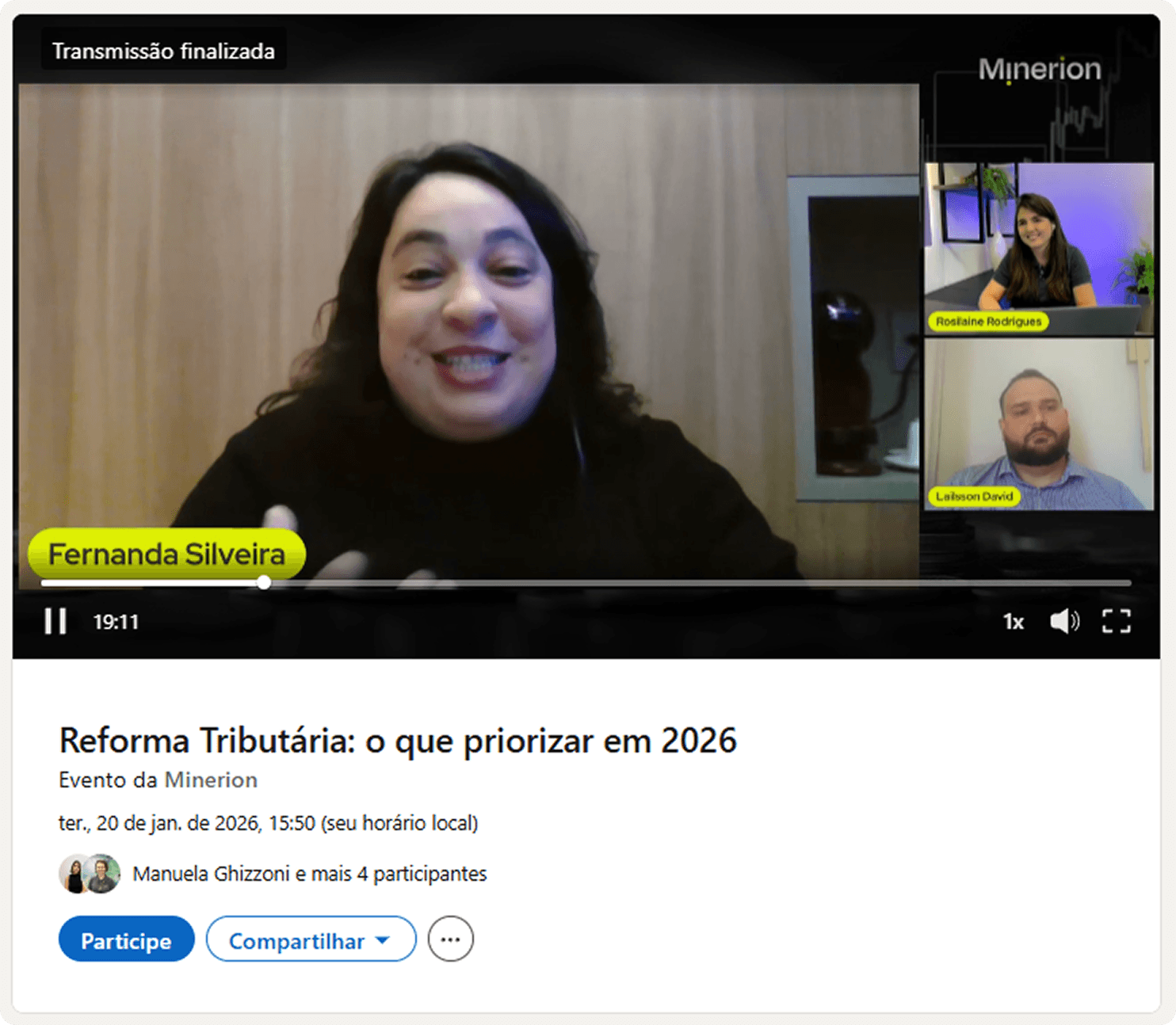
A format built to promote LinkedIn Events, like live streams, webinars and conferences broadcast on the platform. The card automatically shows the event details, date, time and an attend button.
When to use it:
- Promoting webinars and online events
- Live conferences and panels on LinkedIn
- Launches and public demos
The big win is that registration happens inside LinkedIn itself, without sending people to an external landing page. Less friction, more sign-ups.
5. Text Ads and Spotlight Ads
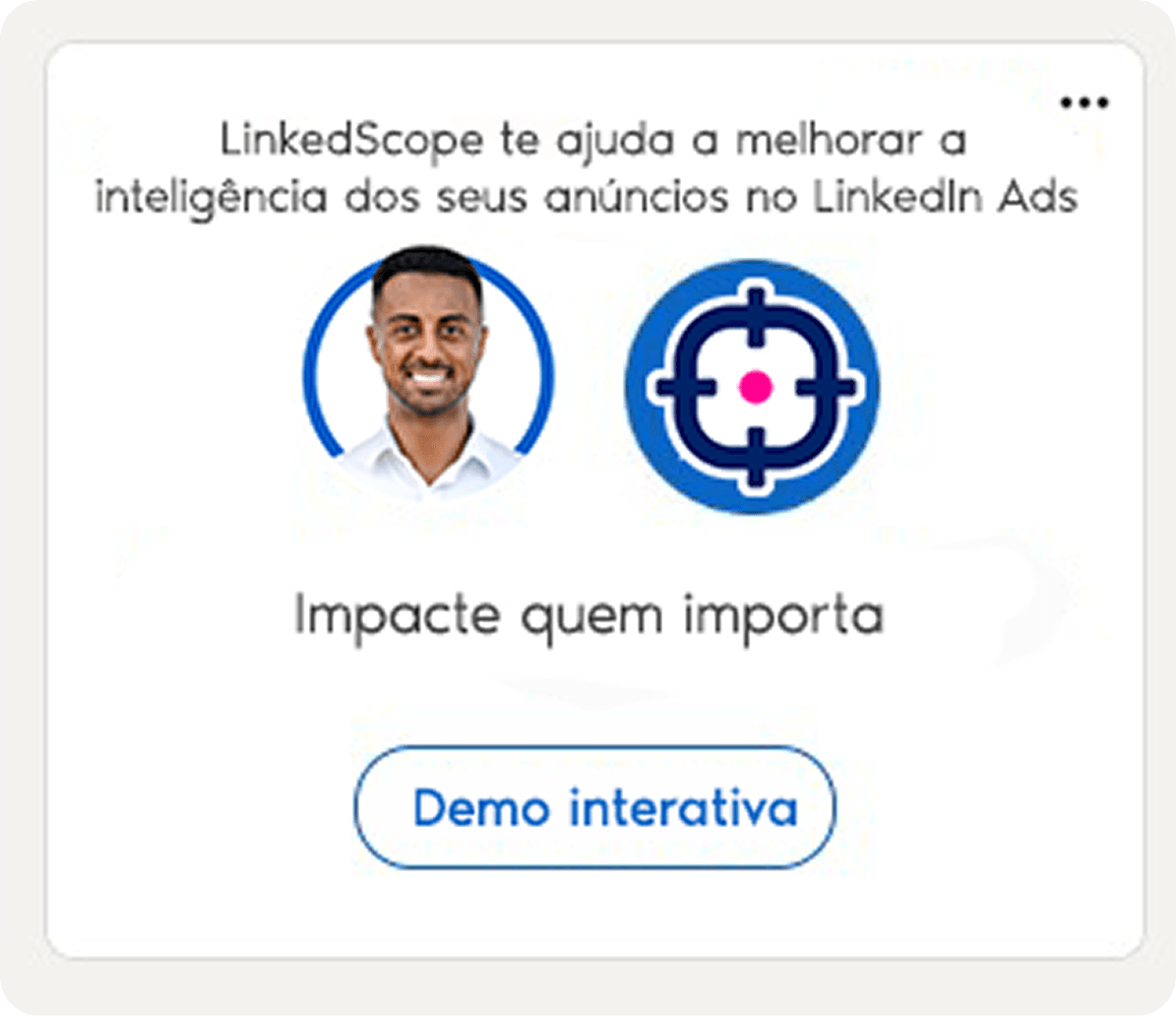
Text Ads show up in LinkedIn’s right rail (desktop only) with a headline, a short description and a thumbnail. Spotlight Ads go further: they’re dynamically personalized with the viewer’s own profile photo, creating an individualized experience that can feel a little spooky (in a good way).
When to use them:
- Retargeting audiences that already know your brand
- Lower-cost audience tests
- Reinforcing your message within bigger campaigns
Hardly anyone will discover your company through a Text Ad. This format exists to remind people who’ve already seen you that you’re still around. It can be a nice complement to a retargeting strategy, for example.
6. Message Ad (formerly Sponsored InMail)
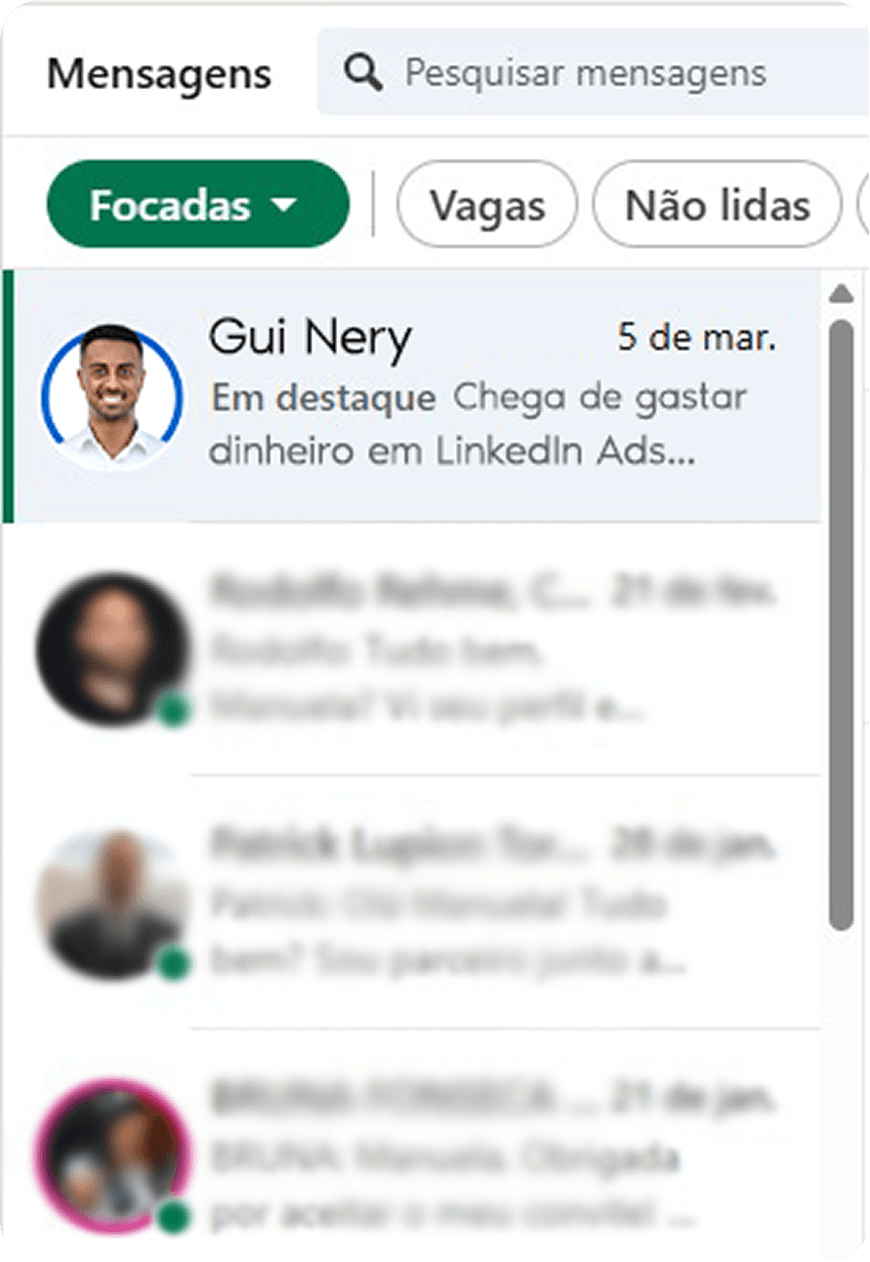
This ad works like a message sent straight to someone’s LinkedIn inbox, from a real person’s profile.
When to use it:
- Inviting people to events and webinars
- Encouraging product demo bookings
- Direct offers with bottom-of-funnel CTAs
- Direct sales outreach to high-intent audiences
The key point: the more the message feels like mass sales outreach, the worse it performs. The more it feels like a genuine note from a real person with something relevant to say, the better.
7. Conversation Ad
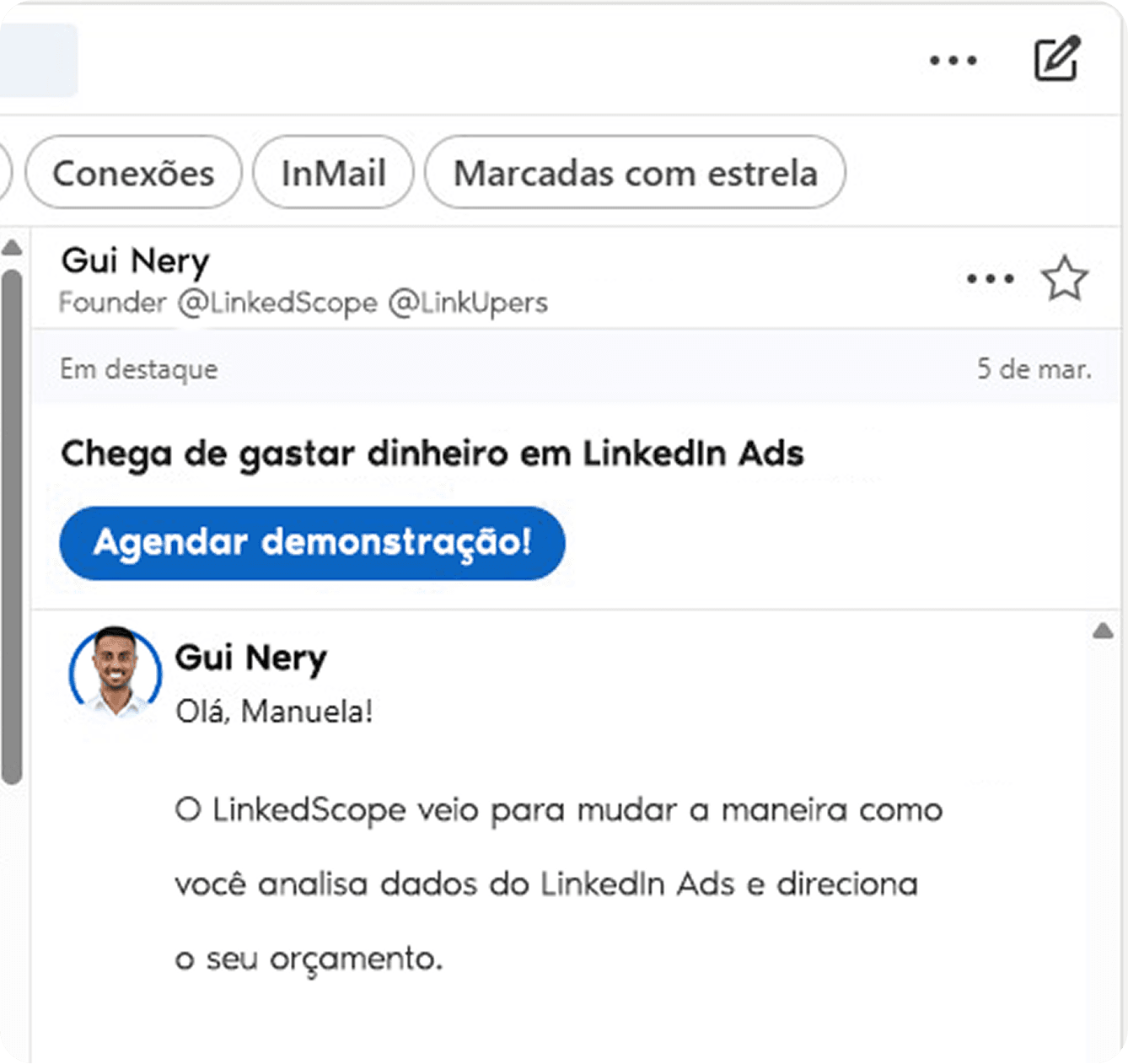
The evolution of the Message Ad. Instead of a message with a single CTA, it creates a sequence of reply options (almost a chatbot flow) inside the LinkedIn inbox.
When to use it:
- Creating multiple conversation paths for different ICP profiles
- Testing different CTAs in a single ad
- Qualifying leads before handing them to sales
This format lets leads signal intent with one click, without filling anything out or talking to anyone before they’re ready. For companies with a diverse ICP or a product that serves several segments, it can be a smart play.
8. Document Ads
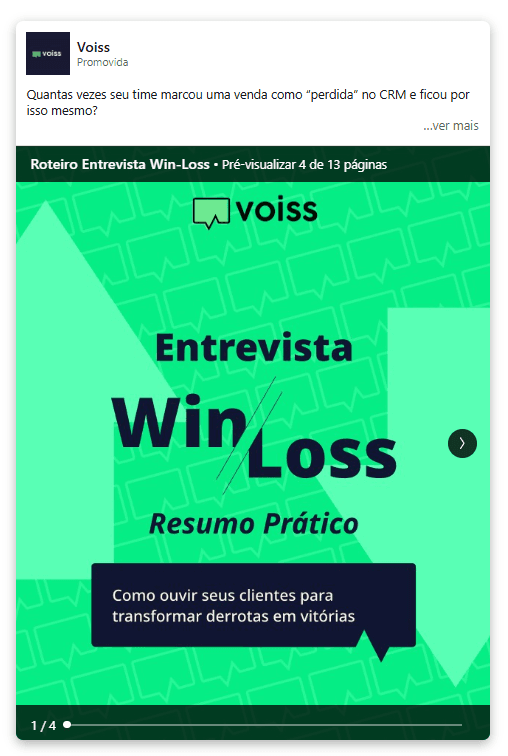
Let people read a PDF right in the feed, without leaving the platform. Partial or full access can be gated behind a native form (the Lead Gen Form), which makes it one of the most efficient formats for content-based lead gen.
When to use it:
- Promoting e-books, guides and whitepapers
- Sales decks and customer case studies
- In-depth materials for lead nurturing
Why it works for B2B: it removes landing page friction. People consume the content where they already are, without switching context. And anyone who fills out the form to get full access has already shown real intent.
If you run paid traffic campaigns that send people to landing pages, this format is worth testing.
9. Thought Leader Ads
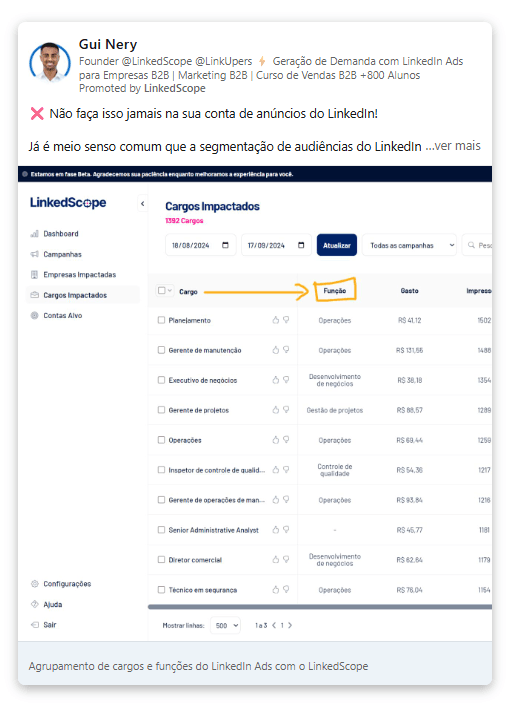
One of the newest formats and, in practice, one of the smartest. It lets companies sponsor posts from personal profiles (executives, partners, influencers, employees), amplifying content that already works organically.
Why it works for B2B:
- Posts from real people build more trust than brand ads
- The format looks organic in the feed (because it is, just with paid reach)
- It powers up your executive branding strategy without relying only on organic
This format best sums up where LinkedIn Ads is heading: content from people, for people, with paid distribution. Companies that still insist on speaking only through the corporate page are choosing the most expensive, least efficient path.
How to pick the right format for each funnel stage
It sounds basic, but most of the money wasted on LinkedIn Ads comes from using bottom-of-funnel formats on cold audiences. In other words: trying to sell right away, getting no response and blaming the budget.
Top of funnel (awareness)
- Short videos with spokespeople or content that genuinely educates.
- Single Image boosting executive posts with a point of view.
- Thought Leader Ads to amplify content that’s already engaging organically.
Middle of funnel (consideration)
- Carousels to break down your product and guide the lead’s thinking.
- Document Ads with materials that deepen the conversation without asking for anything yet.
- Event Ads for webinars that educate before they sell.
Bottom of funnel (conversion)
- Message Ads + native forms for direct outreach to audiences that already know you.
- Conversation Ads for qualifying and routing leads to sales.
- Text Ads and Spotlight Ads for retargeting people who’ve already engaged with you.
The metrics that matter for each ad type
Measuring every format with the same metrics is the second most common LinkedIn Ads mistake, right after using the wrong format for the wrong goal.
Feed formats (image, video, carousel, document)
- CTR (click-through rate)
- Cost per click (CPC)
- Engagement rate (likes, comments, shares)
- Leads generated through native forms
Message formats (Message Ads, Conversation Ads)
- Open rate
- Click rate within the message
- Cost per lead
Display formats (Text Ads, Spotlight Ads)
- Impressions and reach
- CTR (usually low, but what matters is staying top of mind with people who already know you)
And remember: a high CTR that never turns into pipeline isn’t a result; it’s just a vanity metric.
Wrapping up
LinkedIn Ads has a diverse arsenal of formats for every stage of the B2B buyer journey. No format is universally better, but there’s a right combination of objective, funnel stage, creative quality and relevance to your ICP.
And about measurement: stop measuring everything by last click. The person who clicked your ad and turned into revenue two months later through a different path doesn’t show up in your current report, but they were real. Connecting campaigns with CRM data isn’t unnecessary sophistication; it’s the bare minimum to know if you’re spending well or just spending in style.
Frequently asked questions
What’s the best LinkedIn ad format for B2B?
There’s no one-size-fits-all format. Thought Leader Ads and short videos work well at the top, Document Ads and carousels in the middle, and messages and conversations at the bottom of the funnel.
What are Thought Leader Ads?
Ads that sponsor posts from personal profiles (executives, employees, partners), amplifying content that’s already working organically.
What are Document Ads for?
Distributing PDFs (e-books, guides, case studies) right in the feed, with full access gated behind a Lead Gen Form.
Which metrics should I use for message ads?
Open rate, click rate within the message and cost per lead.