
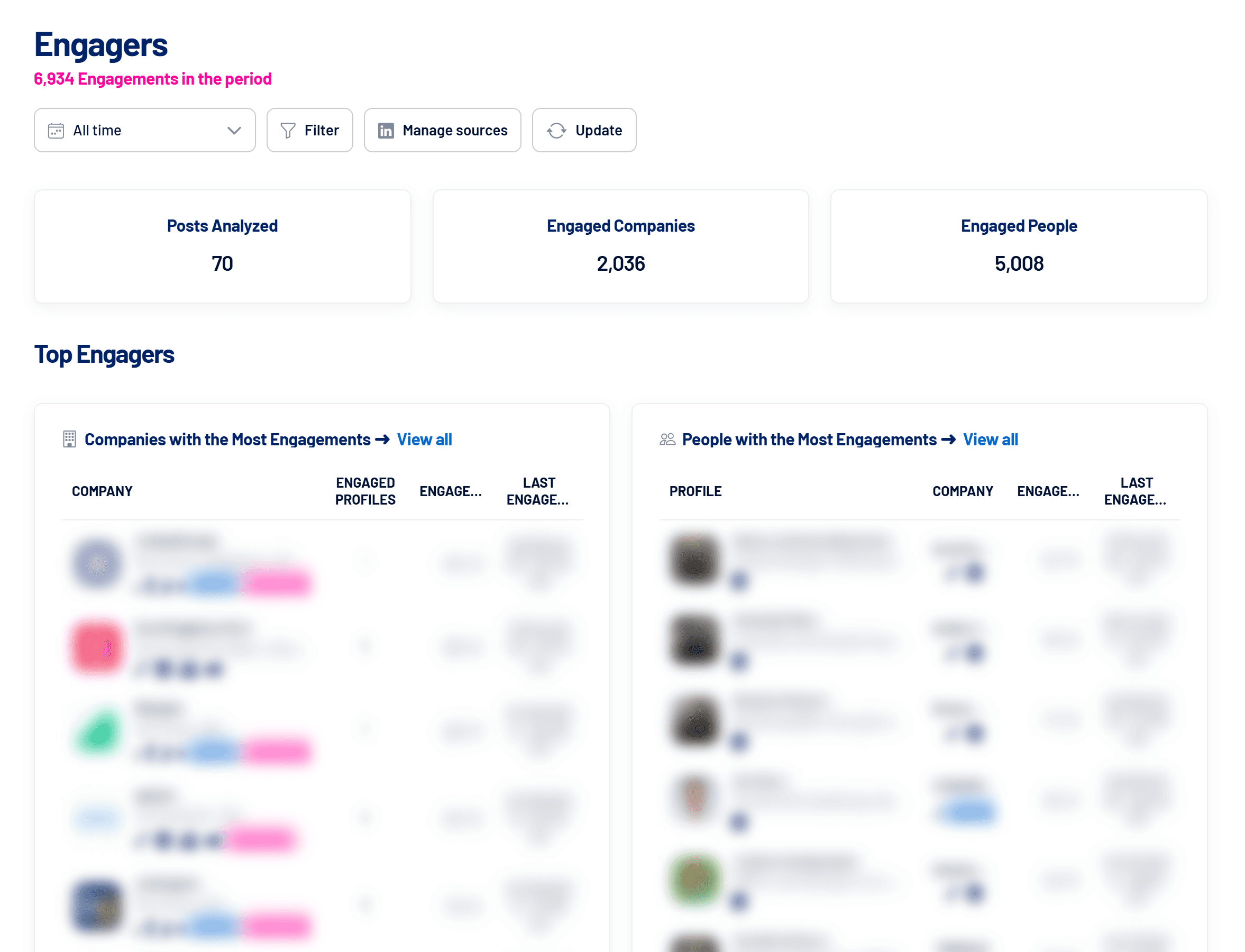
Engagers shows who reacts to and comments on your company’s LinkedIn content, both organic and sponsored. Every interaction becomes an interest signal, organized by company and by person, for your sales team to act on.
- Where: Engagers menu
- Availability: add-on purchased separately
- Refresh: daily, with an Update button to fetch right away
How to get started
- Connect your LinkedIn account in Engagers
The first time, the screen asks you to connect your account. This connection is separate from the LinkedIn Ads connection, and a single connection covers the whole LinkedScope account. - Add sources
Choose the pages, ad accounts, profiles and posts to monitor. See How to add and manage Engagers sources. - Wait for the first refresh
Interactions are collected once a day. Use Update to fetch them right away.
The three views
| View | What it shows |
|---|---|
| Dashboard | Analyzed posts, engaged companies and people, the companies and people with the most engagement, top content and the trend over the period. |
| Companies | Each company with engaged profiles, total engagements (from employees and directly from the company page) and last engagement. |
| People | Each person with title, company, engagement type (reaction or comment) and history. |
How to turn engagement into opportunity
- Companies: send engaged companies to Target Accounts or Exclusion in bulk. See How to create and use Target Accounts.
- People: send engagers to outreach tools such as Walead, Snov.io and Apollo, or to a webhook. See How to send leads, engagers and contacts to outreach tools.
- Filters: by source, Target Accounts list, exclusion, contact and tags.
Posts monitored for 180 days
Each post is followed for up to 180 days after publication. Sponsored posts that keep getting engagement are still read while there’s recent interaction.
Frequently asked questions
The dashboard shows dashes instead of numbers.
No source has been added and no post analyzed yet. Add a source and wait for the refresh.
A person shows up without a name.
LinkedIn didn’t return an identifiable name for that profile. It still counts in the totals.
Does a deleted post cause a refresh error?
No. Deleted or inaccessible posts are skipped without an alert. Engagements already collected stay in the account.