
LinkedScope leads, engagers and contacts can go straight to your outreach tools, such as Walead, Snov.io and Apollo, or to any system through a webhook. Your sales team then approaches people who have already shown interest, without exporting spreadsheets.
- Where: Bulk actions on the Leads, Engagers and Contacts screens
- Destinations: Walead, Snov.io, Apollo and Outreach-category webhooks
What can go where
| Source | Walead, Snov.io and Apollo | Outreach webhook |
|---|---|---|
| Contacts | Yes | Yes |
| Engagers (people) | Yes | Yes |
| Leads | No | Yes |
1. Connect the tool
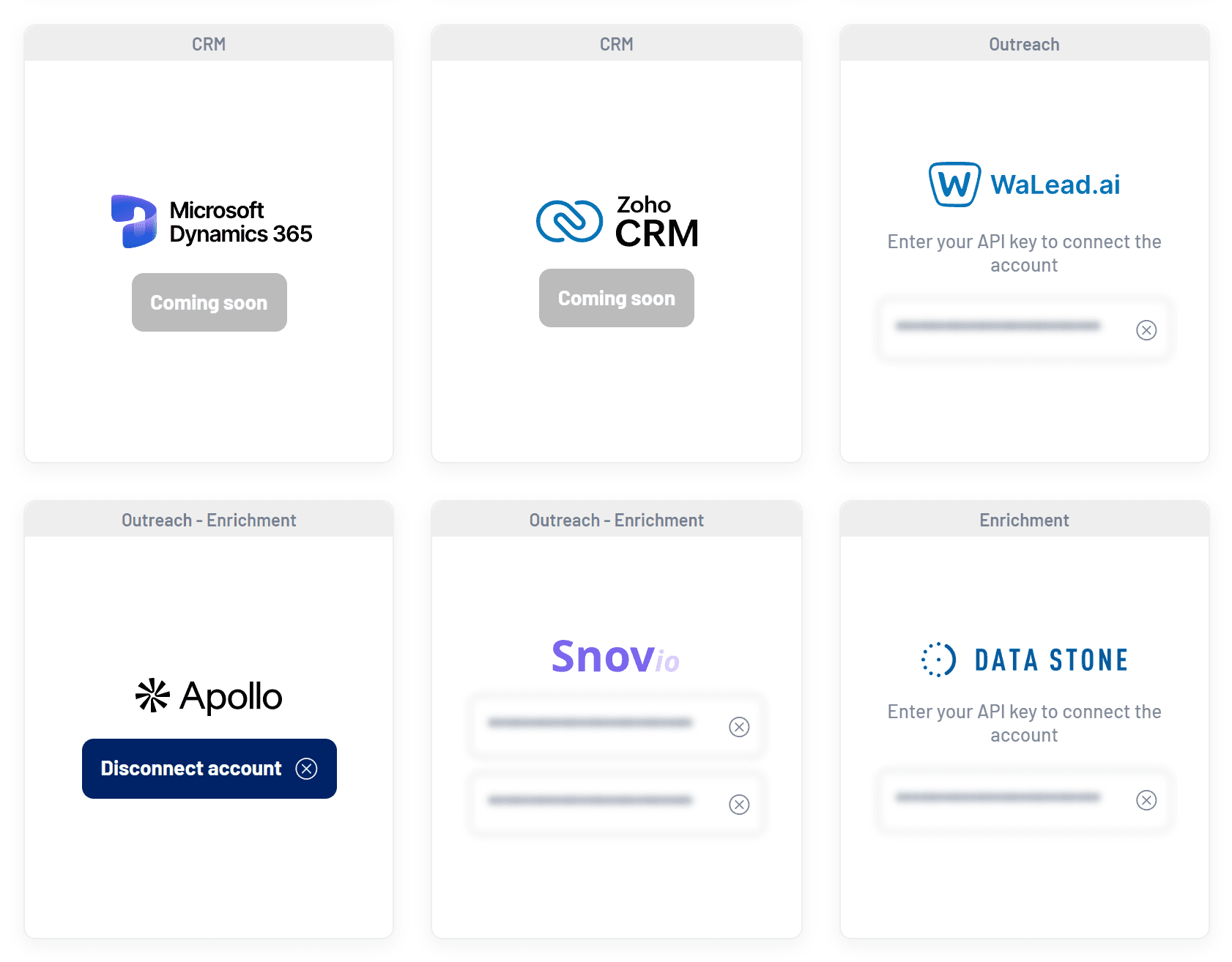
| Tool | How to connect |
|---|---|
| Walead | Paste your Walead API key on the card. |
| Snov.io | Enter your Snov.io API user ID and API secret. |
| Apollo | Click Connect account and authorize in Apollo. |
| Webhook | Create a webhook with the Outreach category. See How to create a webhook. |
Apollo, Snov.io and Data Stone can also enrich contacts with a validated email.
2. Send the prospects
- Select the people
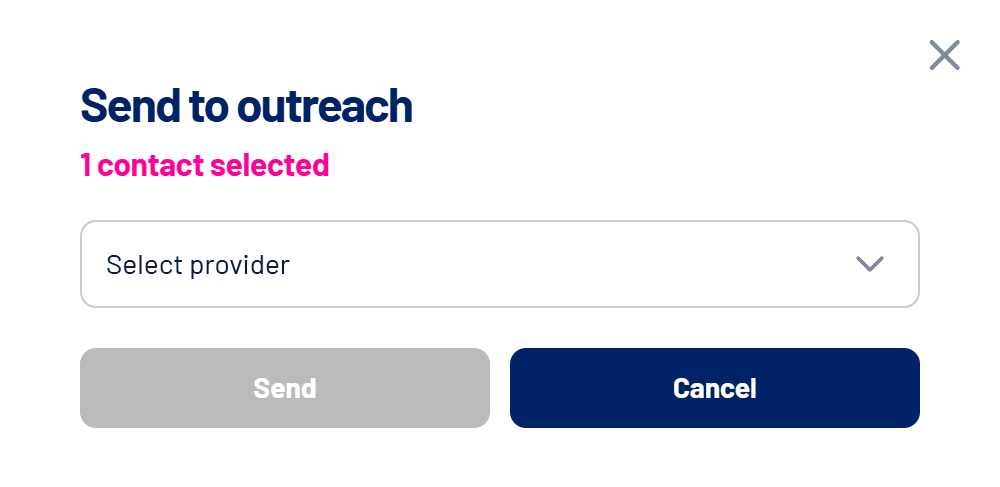
In Contacts, Engagers (People) or Leads, check the rows you want to send. - Open Bulk actions > Send to outreach
The window shows how many prospects are selected.
- Choose the provider and the campaign
Select the tool and the destination campaign or list. In Apollo, also choose the email sender. For webhooks, choose the outreach webhook. - Click Send
The prospects join the chosen campaign in the tool.
What data is sent
- Name, title, LinkedIn profile, email and phone, when available.
- For engagers, email and phone come from the contact registered for the same person, if there is one.
- Company, with website, LinkedIn page and, if it’s in Target Accounts, the list name.
- For leads, the form answers, the conversion page and the UTMs.
Frequently asked questions
The campaign list is empty.
Create the campaign in the outreach tool first. If it still doesn’t show up, check that the API key is correct.
Can I avoid sending customers?
Yes, with webhooks: the Send only non-clients option filters out companies already identified as clients.
Can I send automatically, without selecting?
Yes, with realtime webhooks in the Leads and Engagers categories. See Webhooks: how to send LinkedScope data to other tools.