
In the Subscription tab you follow your plan, status and next charge, open invoices, change plans and cancel. Here is how each change is billed.
- Where: Settings > Subscription
- Who can change it: Owner and Admin
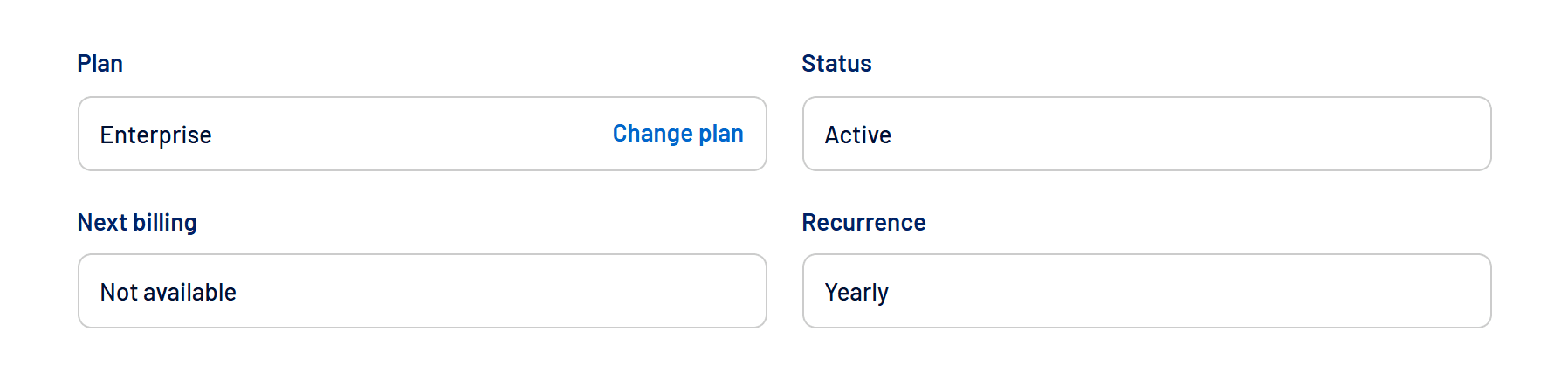
What the tab shows
| Field | Meaning |
|---|---|
| Plan | The current plan, with the Change plan shortcut. |
| Status | Active, Past due or Canceled. |
| Next billing | The next invoice date, with the View invoice link when there is one. |
| Recurrence | Monthly or Annual. |
Moving to a higher plan
In Brazil, you only pay the prorated difference for the time left in the current cycle, and the new plan is activated as soon as that payment is confirmed. The renewal date stays the same, and the following invoices use the new price.
Moving to a lower plan
Your current plan stays in effect, with all its terms, until the end of the cycle you already paid for. The new price and billing cycle apply from then on, with no immediate charge. Until then, the tab shows the scheduled change, with a Cancel change option.
Payment methods
- Brazil: credit card, boleto or Pix.
- International: credit card.
- If you pay an invoice by card, the card is saved and future invoices are charged to it automatically.
How to cancel
- Click Cancel subscription
In the Subscription tab. - Confirm you still want to cancel
Before that, you can talk to the team to fix whatever isn’t working. - Confirm the cancellation
The subscription is canceled at the end of the current period. Until then, access stays complete.
Frequently asked questions
Is my data deleted when I cancel?
Not right away. Access ends at the end of the period, and you can come back by choosing a new plan.
The invoice is pending. How do I pay it?
Use the Awaiting payment button. See Account with a pending payment: what happens and how to fix it.