
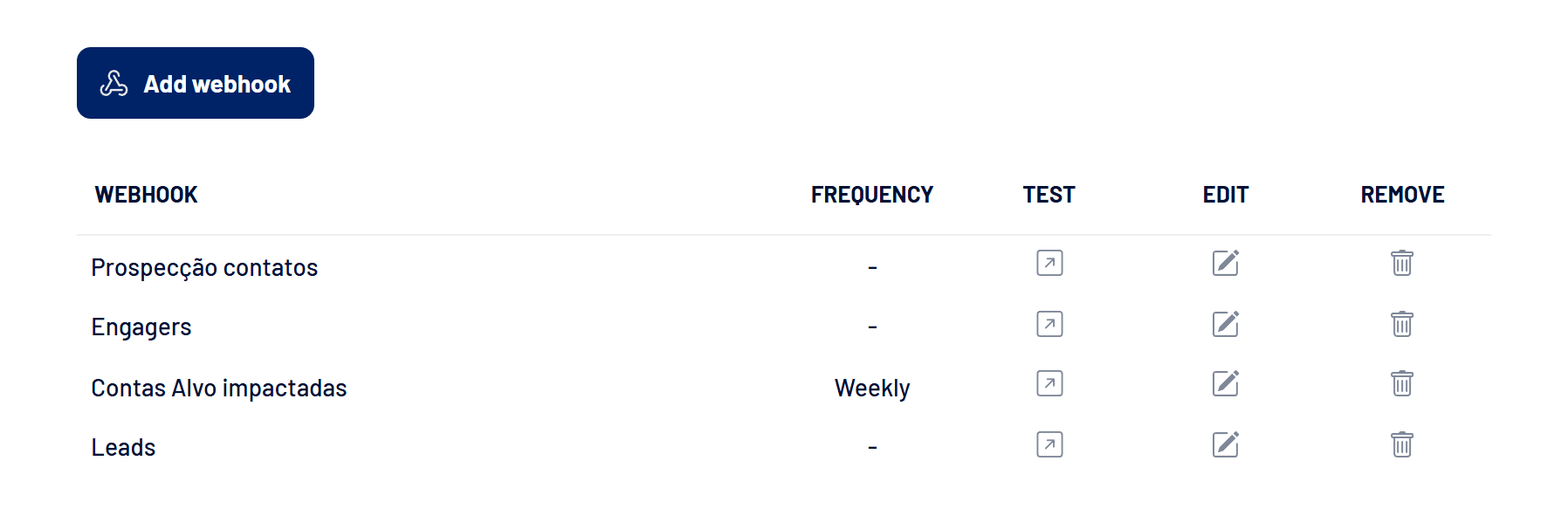
Webhooks send LinkedScope data to other tools, such as n8n, Make, Zapier or your CRM. You choose the data category and LinkedScope POSTs JSON to the URL you provide, at the right frequency.
- Where: Settings > Webhooks
- Who can set them up: Owner, Admin and Manager
- Format: POST with a JSON body
Categories and when each one is sent
| Category | When it sends | What it sends |
|---|---|---|
| Reached Companies | Scheduled (daily, weekly or monthly) | Companies reached in the chosen interval, with metrics, Intent Index and CRM data. |
| Campaigns | Scheduled | Campaign metrics for the chosen interval. |
| Ads | Scheduled | Ad metrics for the chosen interval. |
| Leads | Realtime | Every new lead, with form answers, UTMs and company. |
| Engagers | Realtime | Every new engagement (reaction or comment) from the last 7 days, with the person, the company and the post. |
| Outreach | On demand | The prospects you send through Bulk actions. |
Scheduled webhook times
- Daily: every day at 09:00 UTC.
- Weekly: every Monday at 09:00 UTC.
- Monthly: on the 1st of each month at 09:00 UTC.
Realtime webhooks
- Website leads and native form leads received one by one arrive right away, one per delivery. Leads imported in bulk arrive grouped at the end of the import.
- Engagers are sent at the end of each Engagers refresh, grouped, only with engagements from the last 7 days. The first collection of a new source doesn’t flood the destination with history.
- Grouped deliveries hold at most 200 items. Above that, LinkedScope makes several deliveries in a row.
Delivery filters
Leads, Engagers and Reached Companies accept the Send Only Target Accounts and Send only non-clients conditions. Reached Companies also accepts minimum thresholds, such as Intent Index, impressions, engagements or spend greater than a value.
Security
Enter an Authentication token (optional) when you create the webhook. It is sent in the Auth header of every call: check that value at the destination to be sure the call came from LinkedScope.
Next steps
- How to create a webhook: step by step with every field.
- Automatically paused webhook: why it happens and how to reactivate it: what to do when the destination stops responding.
Frequently asked questions
Reached Companies, Campaigns and Ads webhooks aren’t arriving.
These categories need LinkedIn Ads connected with an ad account selected. Without it, delivery is blocked. See How to connect LinkedIn Ads to LinkedScope.
The Engagers webhook stopped.
Check that the LinkedIn connection in Engagers is still active. See How to add and manage Engagers sources.
Can one webhook cover several categories?
No. Each webhook has one category. Create one webhook per category, even if they point to the same URL.