
Your Target Accounts, Exclusion and Contacts lists change over time. With automatic sync, LinkedScope updates the matching audiences on the ad networks every week, without you having to click sync.
- Where: Settings > Account, Automations section
- When: every Saturday at 04:00 UTC
- Who can change it: Owner, Admin and Manager
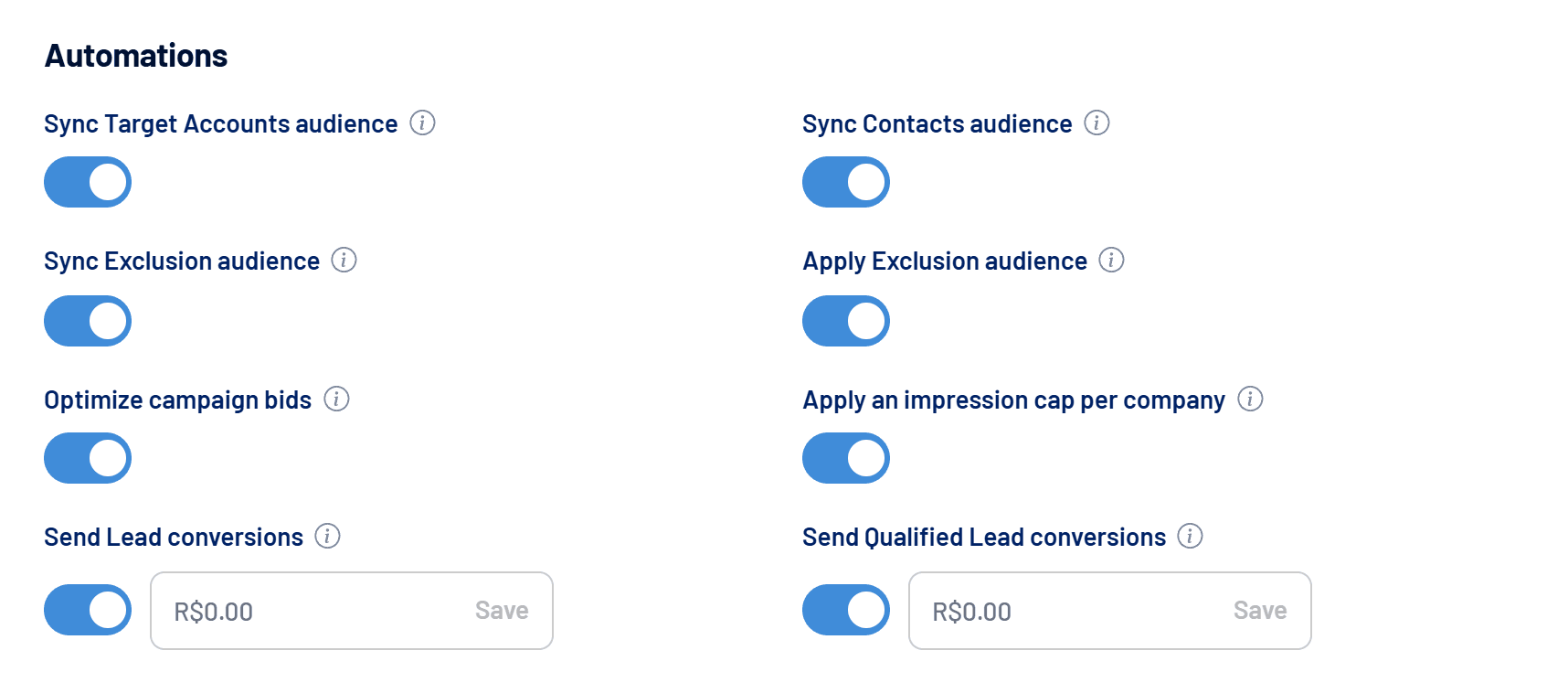
What each toggle syncs
| Toggle | Source list | Destination |
|---|---|---|
| Sync Target Accounts audience | Target Accounts | Company audience on LinkedIn Ads |
| Sync Exclusion audience | Exclusion | Company audience on LinkedIn Ads |
| Sync Contacts audience | Contacts | People audiences on every connected account: LinkedIn Ads, Google Ads (Customer Match) and Meta Ads (Custom Audiences) |
On each run, LinkedScope sends only the differences: it adds whoever joined the list and removes whoever left. The audience keeps the same name and ID on the networks, so campaigns already using it need no changes.
Apply Exclusion audience
The Apply Exclusion audience toggle goes one step further: whenever Exclusion syncs with LinkedIn Ads, the audience is applied as an exclusion on every active campaign. Customers, competitors and other companies on the list stop seeing your ads without you editing campaign by campaign.
New campaigns
Campaigns created after the last sync get the exclusion on the next run. If you need it sooner, sync Exclusion manually on the Exclusion screen.
How to turn it on
- Build your lists
Add companies to Target Accounts and Exclusion and people to Contacts. See How to create and use Target Accounts and How to exclude companies from your campaigns. - Open Settings > Account
The toggles are in the Automations section. LinkedIn Ads must be connected. - Switch on the toggles you want
Each one is independent. The first automatic run happens the following Saturday.
Audience terms
By switching on Sync Contacts audience, you confirm acceptance of the networks’ audience terms (LinkedIn, Google and Meta) for recurring syncs. The acceptance holds while the toggle stays on.
Minimum audience size
Each network requires a minimum number of valid contacts to accept a people audience:
| Network | Minimum eligible contacts |
|---|---|
| LinkedIn Ads | 300 |
| Google Ads | 100 (with a valid email or phone) |
| Meta Ads | 1 (with a valid email or phone) |
After the upload, each network takes a while to match the data and calculate the audience size. That processing happens on the network’s side.
Frequently asked questions
Do I need to sync manually if the automation is on?
No, but you can: manual sync on the Target Accounts, Exclusion and Contacts screens is still there for when you don’t want to wait until Saturday. See How to sync contacts as audiences on LinkedIn, Google and Meta.
How does the audience show up in Campaign Manager?
Audiences created by LinkedScope show the source External: Partner API. LinkedIn sets that label.
Can Operator users switch these toggles on?
No. Audience sync is available to Owner, Admin and Manager.