
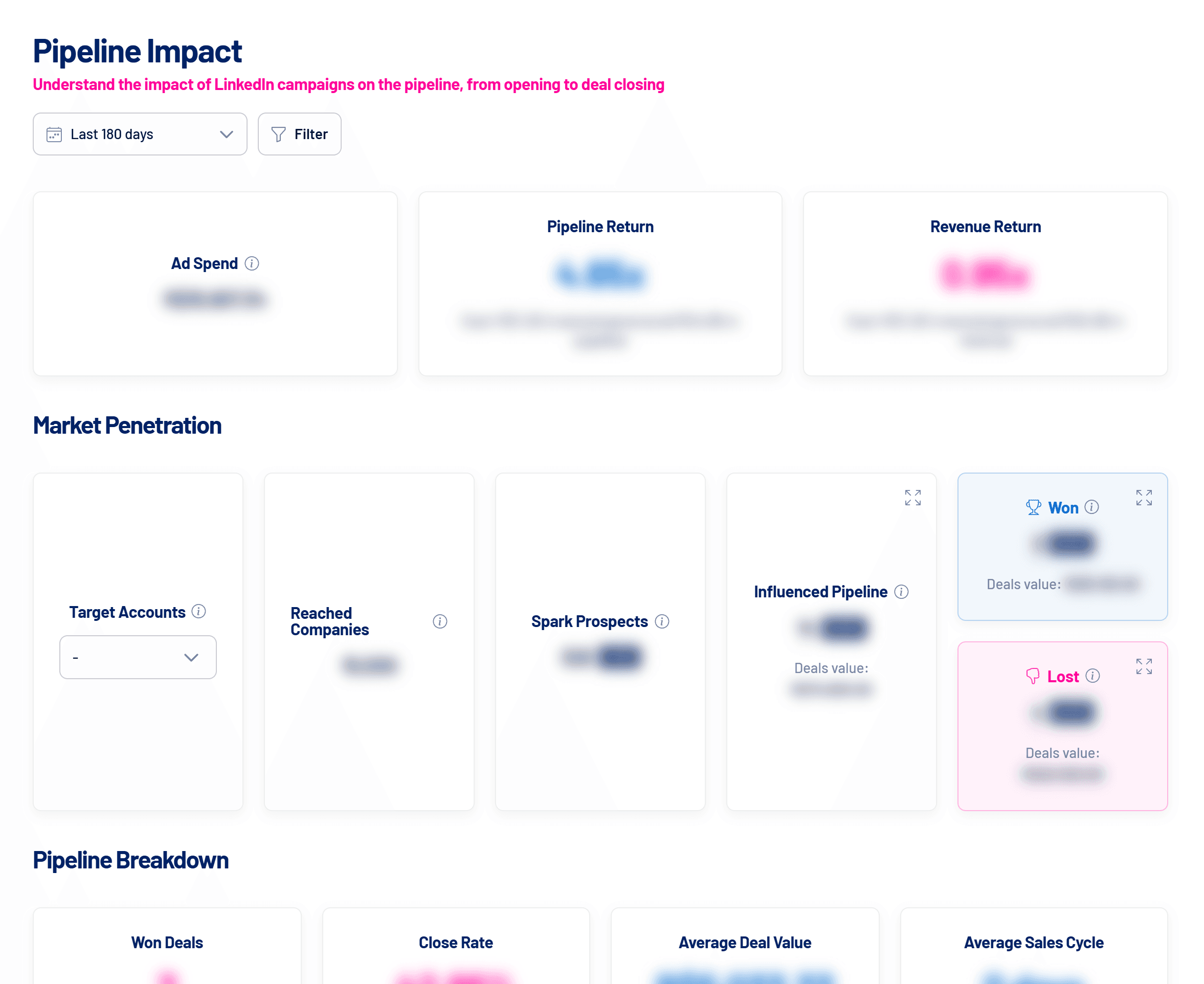
Pipeline Impact matches the companies reached by LinkedIn Ads with your CRM deals to show how much pipeline and revenue the campaigns influenced, and whether those deals close better than the rest.
- Where: Pipeline Impact menu
- Requirements: LinkedIn Ads and a CRM connected
- Analysis window: last 2 years
What an influenced deal is
A deal is influenced when its company was reached by your LinkedIn ads before the deal was created, with a minimum number of impressions (7 by default, adjustable in Settings > Integrations). Deals are matched to companies by domain, company name and, optionally, deal name. See CRM integrations: how they work in LinkedScope.
Market Penetration
| Card | What it shows |
|---|---|
| Target Accounts | Total companies in Target Accounts and how many are already clients. |
| Reached Companies | Companies that saw or interacted with the ads in the period. |
| Spark Prospects | Reached companies with Boosted or Hot status. |
| Influenced Pipeline | Reached companies that meet the influence criterion and have open or closed deals, with the total value. |
| Won and Lost | Influenced companies with won or lost deals in the period. |
Click the pipeline, won and lost cards to see the deal list, with company, interactions before opening and closing, stage, owner and value.
Pipeline Breakdown
Compares LinkedIn-influenced deals with deals from reached but not influenced companies, from companies that weren’t reached and from unmatched ones:
| Metric | Definition |
|---|---|
| Won Deals | Number of deals closed as won. Lost deals aren’t counted. |
| Close Rate | Won divided by total closed (won + lost). |
| Average Deal Value | Average value of won deals. |
| Average Sales Cycle | Days from creation to close for won deals. |
The comparison (for example, “20% higher”) only shows when both groups have won deals. Without a CRM connected, the cards show a dash.
Audit file
Use Download audit file to check, deal by deal, how each one was classified.
Frequently asked questions
The screen says it’s processing the data.
After you connect the CRM, LinkedScope builds the report in the background. It can take a few minutes.
A CRM sync error showed up.
Check the connection and the CRM user’s permissions, then use Sync CRM. See CRM integrations: how they work in LinkedScope.
The numbers differ from the Executive Report.
The report uses the period chosen in its schedule, while the screen uses the analysis period. See Executive Report: how to generate and schedule it.