
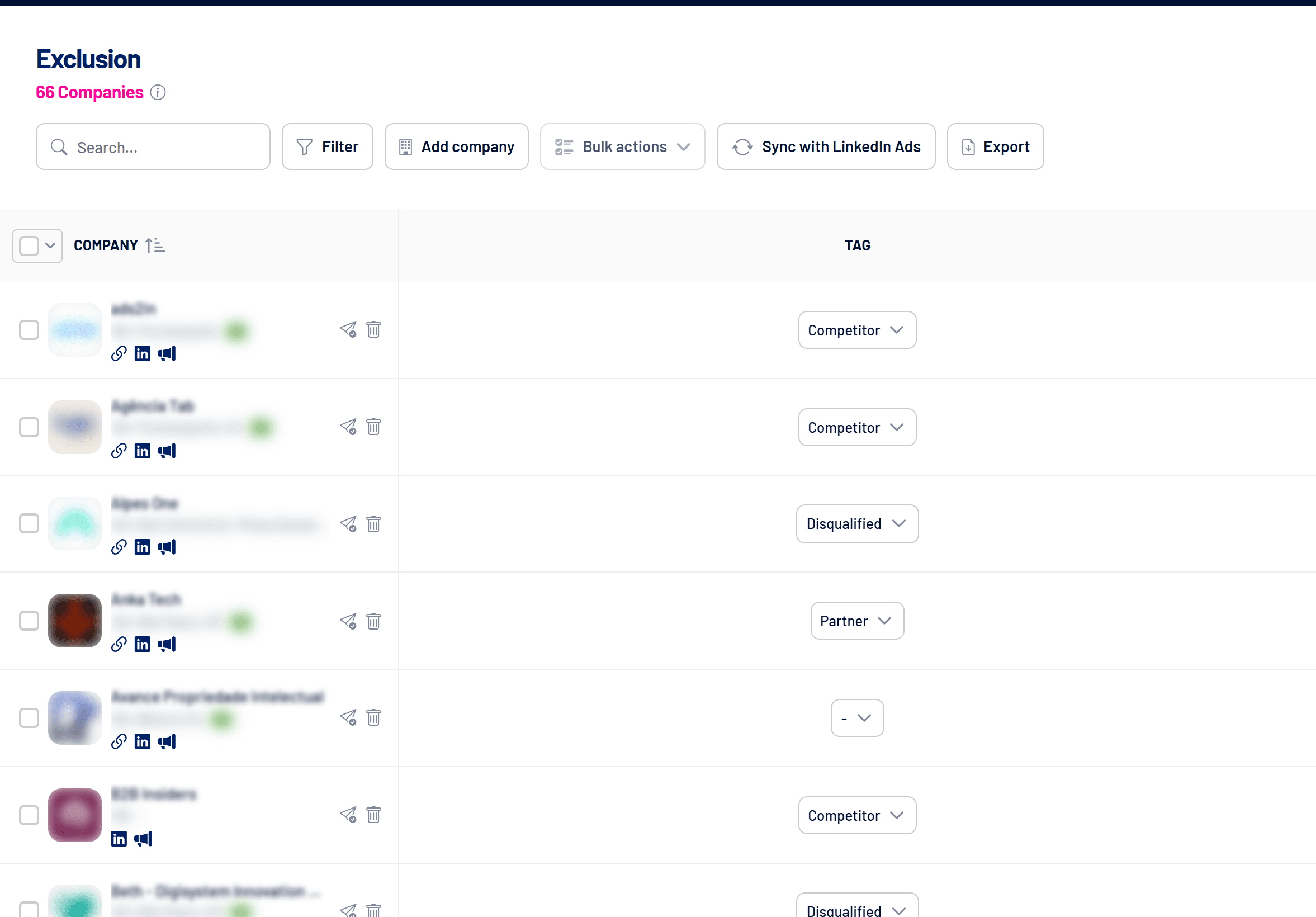
The Exclusion list holds the companies that shouldn’t see your ads, such as current customers, competitors, partners and disqualified companies. Synced with LinkedIn Ads and applied to your campaigns, it stops you spending budget on companies you shouldn’t reach.
- Where: Exclusion menu
- Network: LinkedIn Ads
- Import limit: 2,000 companies per file
How to add companies
- Add company: paste the company’s LinkedIn page link, or import a spreadsheet with the URLs in the first column (up to 2,000 rows).
- From other screens: in Reached Companies, Spark Prospects or Target Accounts, use the paper-plane icon or Bulk actions.
Use the Tag column to record the reason: Client, Competitor, Partner, Disqualified or Other.
How to make the exclusion apply to campaigns
- Sync with LinkedIn Ads
Click Sync with LinkedIn Ads. LinkedIn can take up to 48 hours to process the list. - Apply the audience to campaigns
Add the audience as an exclusion in Campaign Manager, or turn on the Apply Exclusion audience automation, which does it on every active campaign at each sync. - Keep it up to date
Turn on the automatic weekly sync so companies newly added to the list are excluded too. See How to sync audiences automatically (Target Accounts, Exclusion and Contacts).
Syncing alone isn’t enough
A company only stops seeing your ads once the synced audience is applied as an exclusion on the campaigns.
Frequently asked questions
How is this different from the impression cap per company?
Exclusion is permanent and controlled by you. The impression cap temporarily excludes companies that dominate impressions and restores them later. See Impression cap per company: how it works.
Can removing from Exclusion be undone?
Removing is permanent: to exclude the company again, add it again.
Can an excluded company go to Target Accounts?
Yes, with the paper-plane icon. See How to create and use Target Accounts.