
Connect HubSpot to LinkedScope to match your deals with LinkedIn Ads and see which accounts reached by your ads turned into pipeline, won or lost revenue. The integration is read-only: LinkedScope never creates, changes or deletes anything in HubSpot.
- Time: 5 minutes
- Who can do it: LinkedScope account owner or admin
- Method: OAuth authorization in HubSpot
- Access: Read-only
Before you start
- Owner or admin access to the LinkedScope account, to see the Integrations tab.
- A plan that includes CRM integration. If the card shows a Blocked button, your current plan does not include CRM. Check Settings > Subscription.
- Your LinkedIn Ads account connected. Without it, LinkedScope has nothing to match your CRM data against.
- A HubSpot user allowed to install apps in the account (Super Admin or App Marketplace permission).
- Visibility of every deal in HubSpot. LinkedScope sees exactly what this user sees.
One CRM at a time
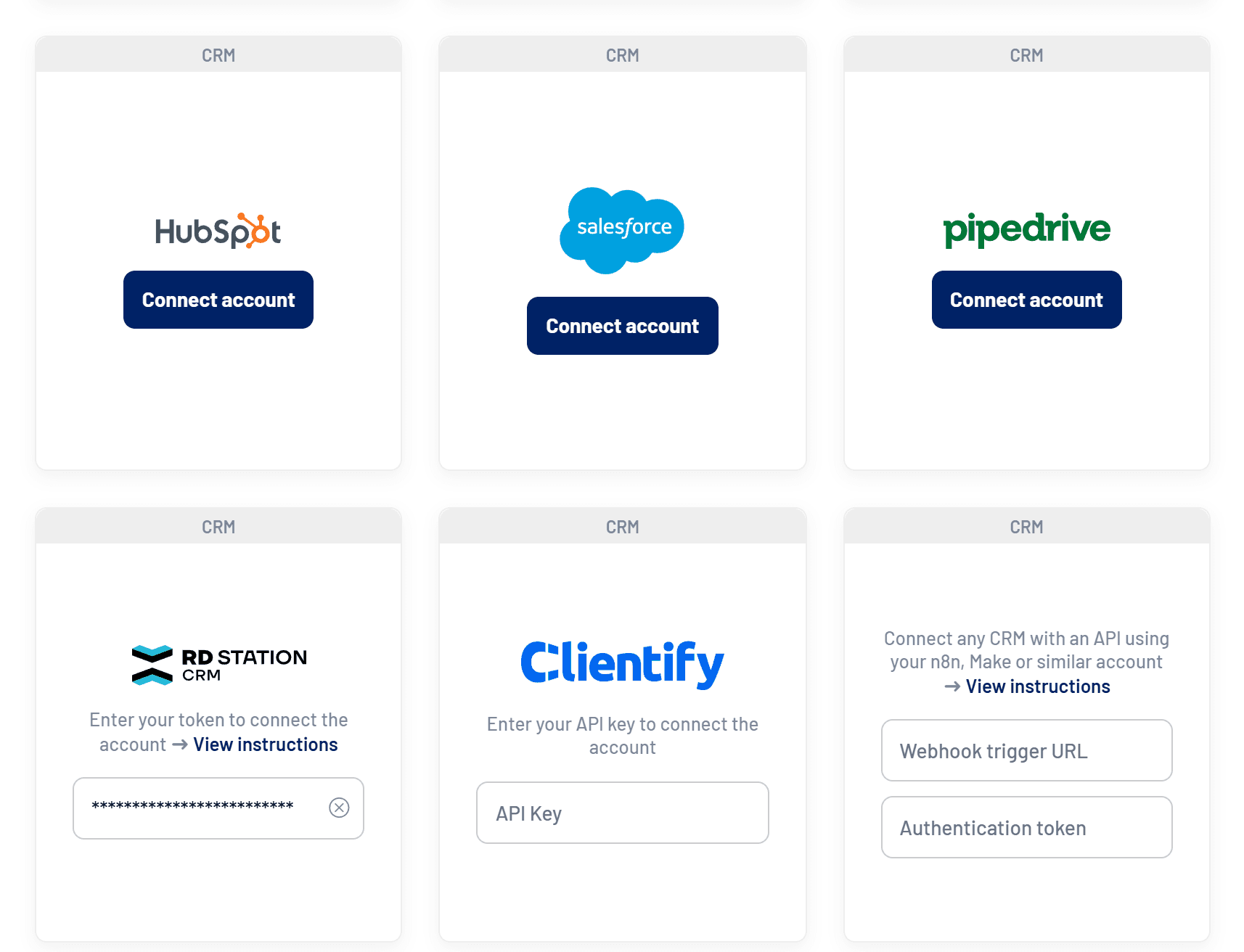
Each LinkedScope account connects to one CRM at a time. If another CRM is already connected, the HubSpot button is disabled with the message “Disconnect the current CRM to connect a new account”.
Install the app
- Open integrations
In LinkedScope, click Settings in the sidebar and open the Integrations tab.
- Click Connect account
On the HubSpot card, click Connect account. You will be taken to the HubSpot login screen.
- Choose the HubSpot account
If your user has access to more than one account, select the one that should feed LinkedScope. - Review the permissions and approve
Check the requested scopes (all read-only) and click Connect app. - Confirm the connection
HubSpot sends you back to LinkedScope with the message Account connected successfully. The card now shows the Disconnect account button.
First sync
Right after connecting, LinkedScope starts importing deals from the last two years. This usually takes a few minutes, longer for CRMs with many records. You can keep using the platform in the meantime.
Requested permissions
Every scope is read-only:
| Scope | Purpose |
|---|---|
oauth | OAuth connection and token refresh |
crm.objects.deals.read | Read deals for pipeline and revenue attribution |
crm.schemas.deals.read | Read deal pipelines and stages |
crm.objects.companies.read | Read the companies associated with deals |
crm.objects.owners.read | Read the owner of each deal |
Configure the app
With the CRM connected, these options appear on the Integrations tab.

- Deal pipelines selection: on the HubSpot card, choose which deal pipelines are analyzed. By default all of them count, including ones created later. The selector only shows up when there is more than one.
- Deal influence impression threshold: the minimum number of impressions a company must have received before the deal was created for it to count as influenced. The default is 7.
- Deal name fallback matching: when the company domain and name in the CRM don’t match LinkedIn data, uses the deal name as a last resort.
- Sync CRM: LinkedScope syncs automatically once a day. Use the button to force an update after big changes in the CRM.
To understand how LinkedScope links deals to companies, see CRM integrations: how they work.
What data LinkedScope reads
LinkedScope reads only what it needs to measure LinkedIn Ads influence, considering deals created or closed in the last two years:
| Data | What it is used for |
|---|---|
| Deals | Name, amount, stage, pipeline, create and close dates, owner and associated company |
| Pipelines and stages | Stage names and status, to separate open, won and lost pipeline |
| Companies | Name and domain of the companies associated with deals, for account-level attribution |
| Owners | Name and email of the person responsible for each deal |
Credentials are stored encrypted and are never shown back on screen.
Use the app
After the first sync, HubSpot data feeds these areas:
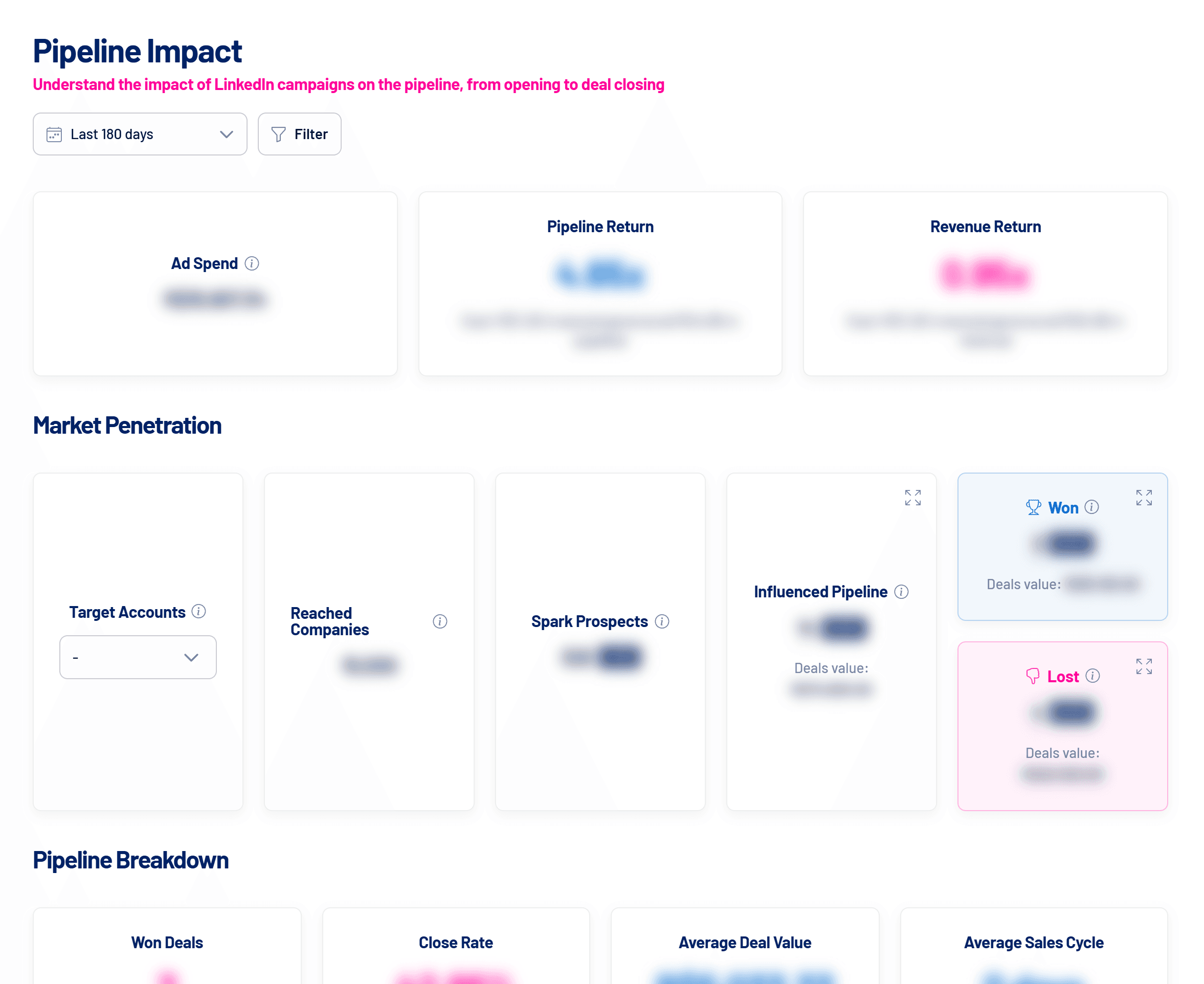
- Pipeline Impact: open, won and lost pipeline from companies reached by your ads, with the list of deals.
- Reached Companies: which companies reached by your ads have deals in the CRM.
- Target Accounts and Spark Prospects: engaged accounts that have not become deals yet, or that are already in progress.
Limited permission alert
After every sync, LinkedScope checks whether the connected user can see every deal. If not, the card shows the pink Limited permission alert and every user in the account gets a notification.
In HubSpot: HubSpot did not grant every required scope. Disconnect and connect HubSpot again, approving all permissions. The alert flags a risk, not proof that data is missing.
Disconnect the app
- In Settings > Integrations, click Disconnect account on the HubSpot card.
- CRM data stops showing in reports and syncs stop. Nothing is deleted in HubSpot.
- To switch CRMs, disconnect the current one and connect the new one. The deal pipelines selection is kept only if you reconnect the same HubSpot account.
Uninstall the app in HubSpot
- In HubSpot, click the Settings icon in the top navigation bar.
- In the left sidebar, open Integrations > Connected Apps.
- Click LinkedScope, then in the upper right click Actions > Uninstall.
Uninstalling revokes LinkedScope’s access. HubSpot notes it can take up to 30 minutes to take effect. Records in HubSpot are not changed.
Frequently asked questions
Does LinkedScope respect HubSpot team-based visibility?
Yes. LinkedScope reads what the user who authorized the connection can see. If that user only sees their team’s deals, only those deals reach your reports. For a complete view, connect with a user who can see every deal.
How long until the data shows up?
The first sync starts right after connecting and usually takes a few minutes. CRMs with many records can take longer. After that, LinkedScope syncs once a day.
Can I connect two CRMs at the same time?
No. Each LinkedScope account uses one CRM at a time. To switch, disconnect the current one and connect the new one.
Does LinkedScope change anything in my CRM?
No. The integration is read-only.
Why aren’t some deals linked to LinkedIn companies?
LinkedScope needs to recognize each deal’s company. Keep the company name and website filled in the CRM. If matches are still missing, turn on deal name fallback matching in Settings > Integrations.
Can I limit the analysis to one business unit?
Yes. Select only that unit’s deal pipelines on the HubSpot card. Deals from other deal pipelines stop counting in reports, with no new sync needed.
Need help?
Reach us at [email protected], through the Help menu inside LinkedScope or on our contact page.