
Reached Job Titles shows which job titles your LinkedIn campaigns actually reached, with each one’s spend and results. You can rate titles as positive or negative and apply that to campaign targeting.
- Where: Reached Job Titles menu
- Network: LinkedIn Ads
- Who can rate: Owner, Admin and Manager
How to read the screen
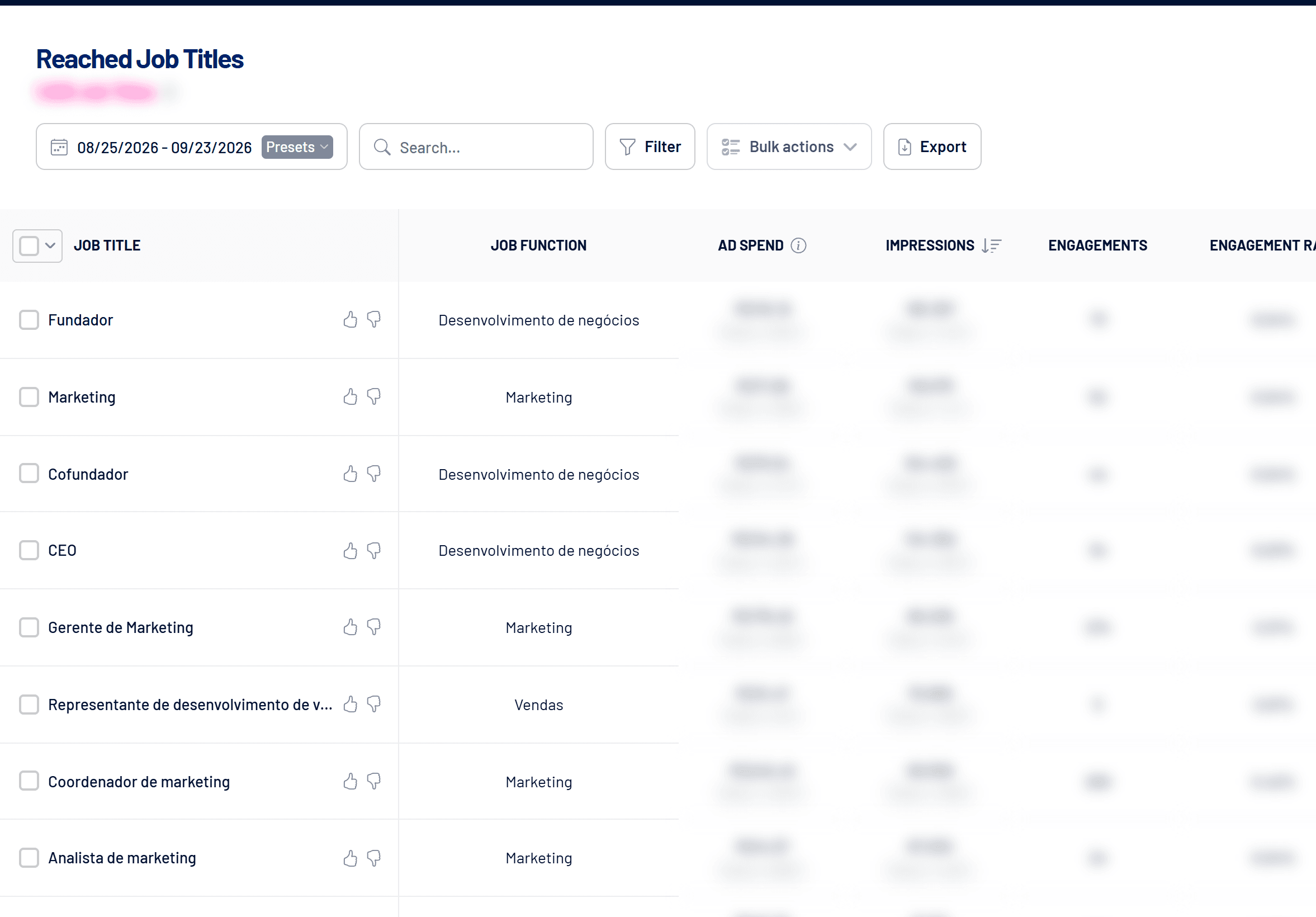
Each row shows the job title, function, spend and share of total spend, impressions, engagements, engagement rate, dwell time, clicks, conversions and leads. The Super Title tag marks a LinkedIn umbrella title that covers several related titles.
Titles you didn’t target
They can show up because of targeting by function, seniority or other criteria, Super Titles, people with more than one title on their profile, Audience Expansion or targeting changes during the campaign.
How to rate titles as positive or negative
- Click thumbs up or thumbs down
Positive marks a title you want to reach. Negative, a title you don’t. - Or use Bulk actions
Select several titles and rate them at once, choosing which campaigns to apply it to. - Sync with LinkedIn
Click Sync with LinkedIn to apply it now to the targeting of every Active and Paused campaign. If you don’t sync, it is applied automatically at midnight.
Positive narrows the audience
A positive title is added to the campaign’s job title targeting. If the campaign wasn’t targeting by job title yet, it will then only reach the titles marked as positive. Negative titles are added to the exclusions.
Filters
Filter by campaign, by ad set or by rating (Positive, Negative, Unrated). Use search to find a title and Export to download the list.
Frequently asked questions
Does unmarking a title undo the targeting?
Yes. Once you unmark it and sync, the title leaves the campaigns’ inclusion or exclusion.
Can Operator users rate titles?
No. Managing Reached Job Titles is for Owner, Admin and Manager.